
How it works
One platform.Every kind of parking.
Drivers, hosts and operators share one reservation system — so a space can never be booked twice.
Photo: Maria Sime / Unsplash
For drivers
Reserve it. Drive to it. Park.
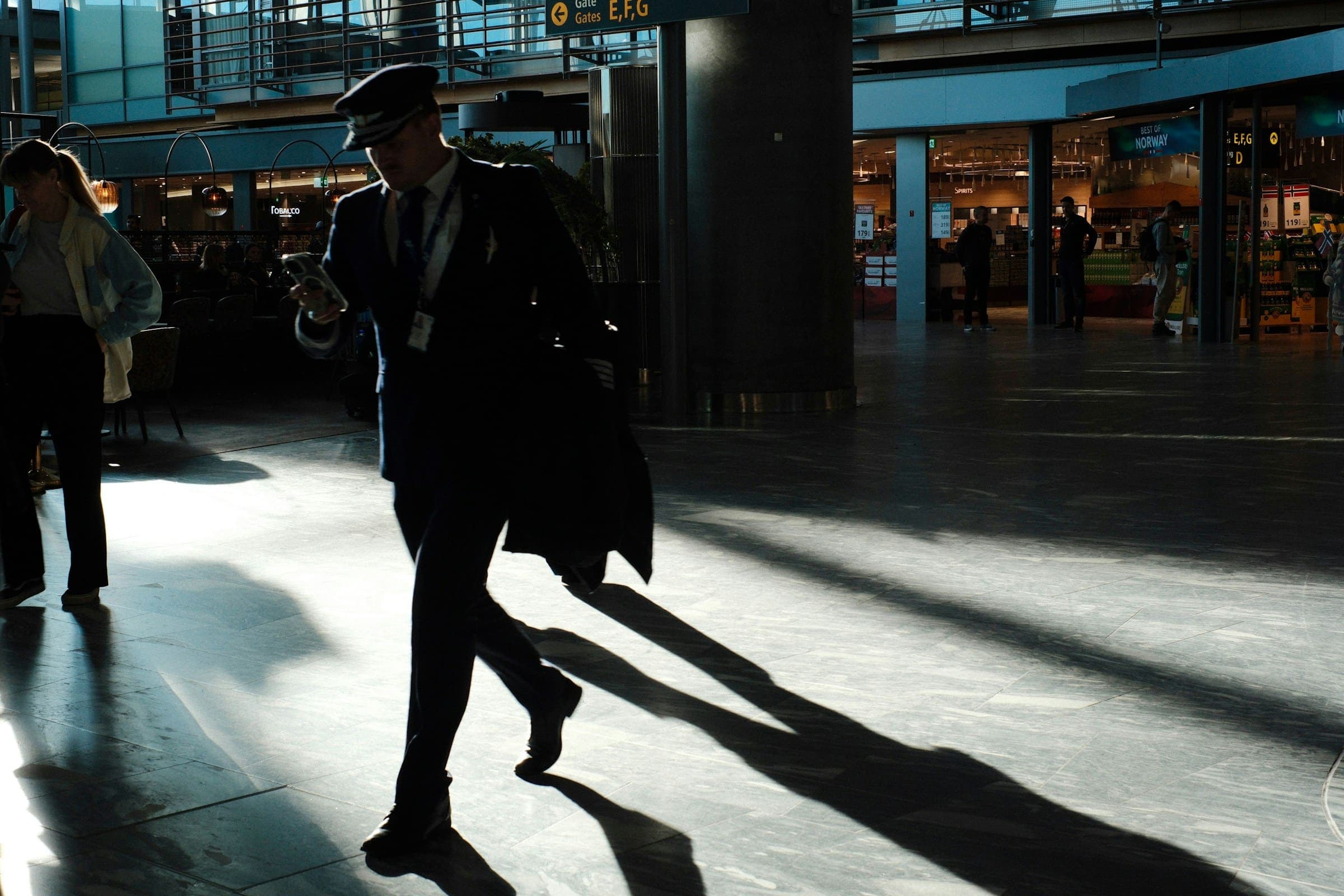
Photo: Oliver Streit / Unsplash
- 1
Search
Enter where and when you are parking — an airport, a downtown address, a neighborhood or a venue.
- 2
Compare
See total price, walking distance, transportation status and the space rules side by side.
- 3
Reserve
Your space is held while you confirm, so nobody else can book it at the same time.
- 4
Get your SpotPass
Your live pass, the full address and entry instructions arrive when your booking is confirmed.
- 5
Park
Show your SpotPass at the entrance. Need to cancel? Do it from your reservation, under the policy shown when you booked.
For hosts
Earn from space you already have.
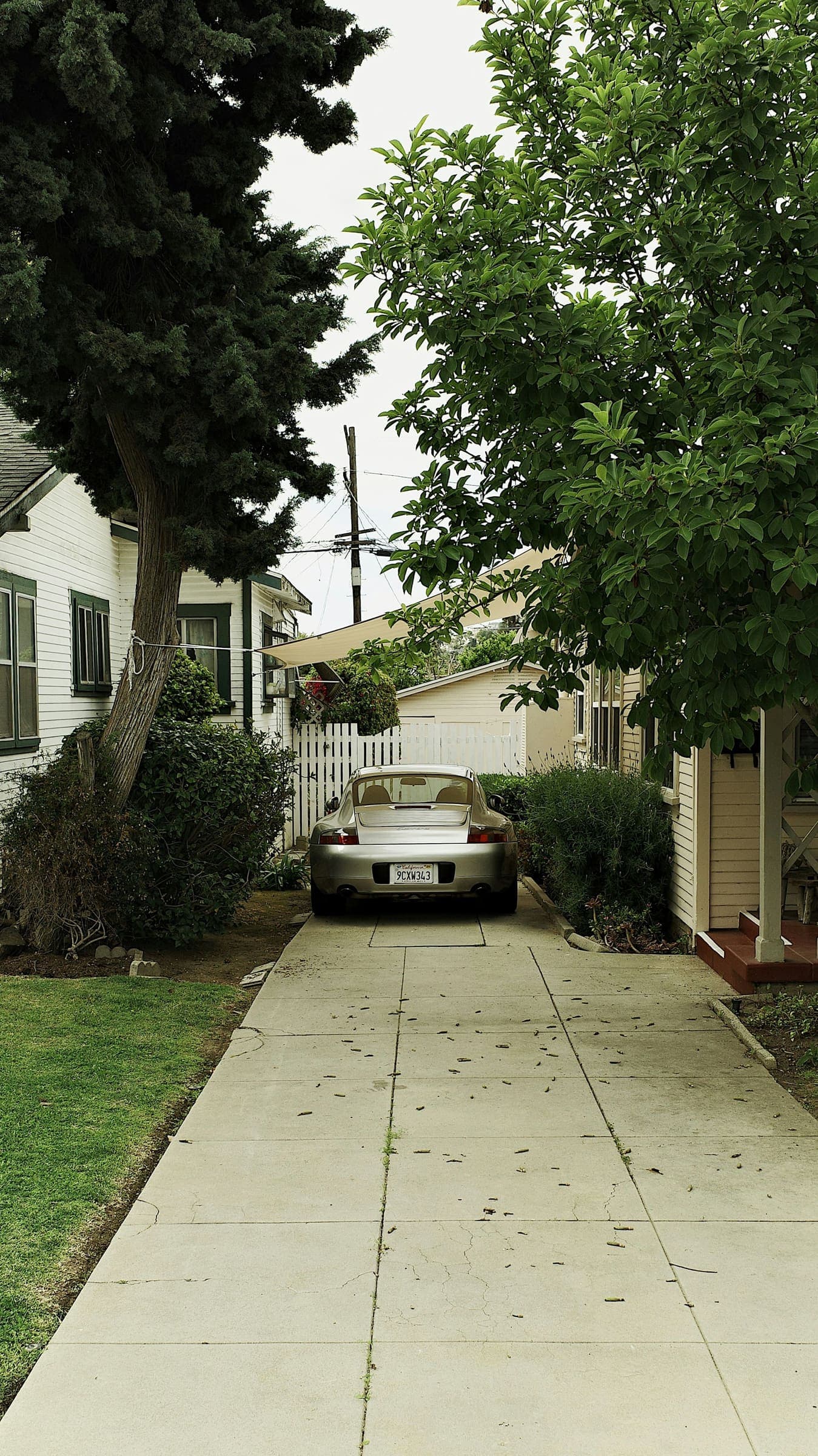
Photo: Vlad R / Unsplash
- 1
Apply
Tell us about your property. It takes two minutes.
- 2
Verify
Confirm your identity and show you are authorized to rent the space.
- 3
Set up your listing
Photos, approximate measurements with SpaceMeasure, your schedule, your minimum and access instructions.
- 4
Get approved
ParkHour reviews every listing and sets customer prices — never below the minimum you accept.
- 5
Host
Drivers arrive with a SpotPass you can check at the gate. Payouts open when payments launch.
For operators & hotels
Your inventory, more drivers.

Photo: Kenny Kennethh / Unsplash
- 1
Set up your organization
Add properties, counted spaces or zones, and the people who run them.
- 2
Agree terms
Choose what is offered and when. ParkHour sets customer rates within the terms you accept.
- 3
Validate arrivals
Authorized attendants check SpotPasses at the gate — every check is recorded.
- 4
Reconcile
Reservations and arrivals in one place.